![[mq5] Download news data using Webrequest ==> .json file](https://dcgreferral.com/wp-content/uploads/2025/04/mq5-Download-news-data-using-Webrequest-json-file.jpg)
[mq5] Download news data using Webrequest ==> .json file
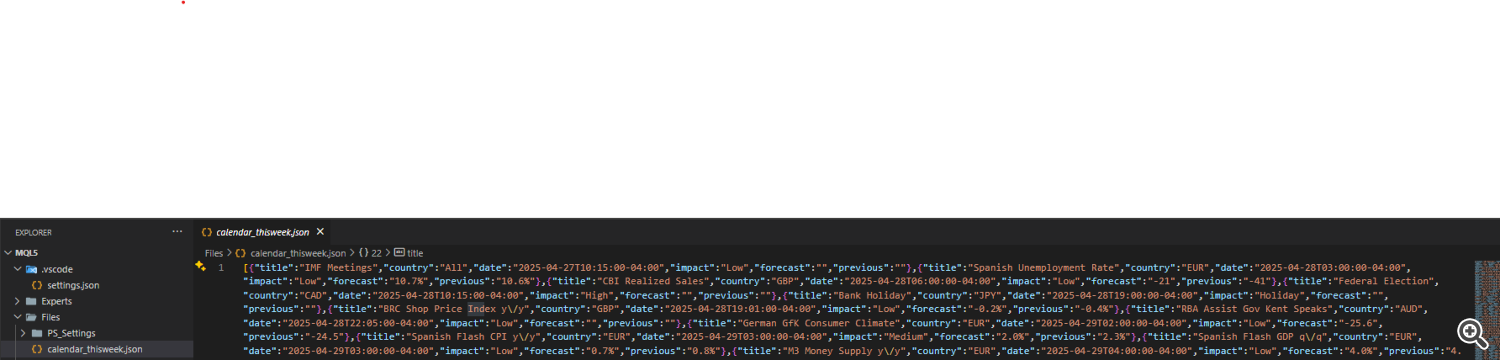
I will share a simple method to download economic news data from an online JSON file and save it locally using the WebRequest() function.
The purpose is to fetch data from https://nfs.faireconomy.media/ff_calendar_thisweek.json, which provides the economic calendar for the current week.
Source code:
void DownloadAndParse()

{
   string json_url = "https://nfs.faireconomy.media/ff_calendar_thisweek.json";
   string fileName = "calendar_thisweek.json";
   uchar result[];
   char data[];
   string headers;
   string result_headers;
   int timeout = 5000;
   int res;

   Print("Requesting JSON from: ", json_url);
   ResetLastError();
   res = WebRequest("GET", json_url, headers, timeout, data, result, result_headers);

   if (res == 200)
   {
      Print("JSON downloaded!");


      string jsonRaw = "";
      int size = ArraySize(result);
      jsonRaw = CharArrayToString(result, 0, size);


      int fileHandle = FileOpen(fileName, FILE_WRITE | FILE_TXT | FILE_ANSI);
      if (fileHandle != INVALID_HANDLE)
      {
         FileWriteString(fileHandle, jsonRaw);
         FileClose(fileHandle);
         Print("JSON saved to file.");

      }
      else
      {
         Print("Failed to open file for writing. Error: ", GetLastError());
      }
   }
   else
   {
      Print("Download failed. HTTP Code: ", res, " | Error: ", GetLastError());
   }

}

void OnStart()
{
    DownloadAndParse();
}
How it works:
-
WebRequest() is used to send a GET request to the specified URL.
-
If successful ( HTTP code 200 ), the JSON content is retrieved.
-
The downloaded data is converted from a uchar[] array into a readable string .
-
The string is then saved to a local .json file for later use.
Important notes:
-
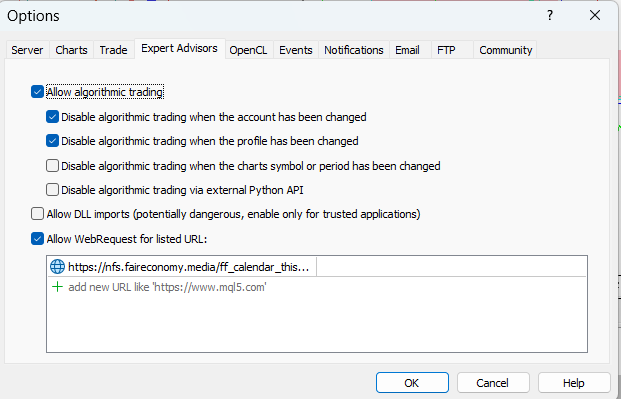
You must allow URL access in your MetaTrader terminal:
-
Always handle errors carefully to avoid unexpected failures in your EA or scrip
-
You can easily integrate this download method into your EA or indicator to fetch the latest economic events automatically.
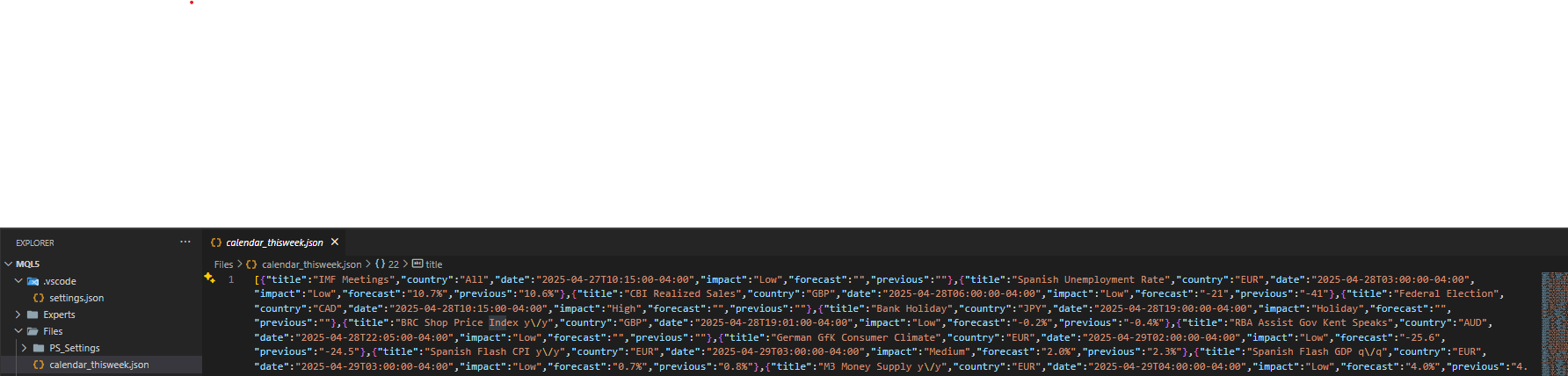
Download file folder:
Source link