Wave Master EA – User Manual & Set Files
Product URL: Wave Master EA on MQL5 Market
🔰 Introduction
Wave Master EA (Wavesv3.0) combines the power of 10 proprietary wave-based strategies to trade Forex, Gold (XAUUSD), Bitcoin (BTCUSD), and major indices like US30. Designed for both novice and experienced traders, this EA is fully automated with a strong focus on risk management, trading time logic, and profit protection.
“Wishing you Limitless Success and Abundant Wealth in your Algo Trading Journey!”
⚙️ How to Use
✅ Step 1: Attach the EA to a Chart
-
Use M1 timeframe for best results.
-
Supported instruments: XAUUSD, BTCUSD, US30, GER40, etc.
-
Allow “Algo Trading” in MetaTrader 5.
✅ Step 2: Load the Provided .set File
-
Right-click on the chart → Expert Advisors → Properties
-
Click “Load” and select the appropriate .set file from your folder (e.g., XAUUSD_M1.set)
🔧 Input Parameters
📘 Information
🛡️ Risk Management
-
RiskPercentage – % of balance risked per trade (e.g., 3.0 means 3%).
-
StopLossPercentage – Initial stop loss as % of entry price (e.g., 1.0 for 1% SL).
-
MaxOrders – Limit the number of open trades to control exposure.
💡 Use low risk for volatile pairs like BTCUSD and XAUUSD.
⚙️ Trading Settings
-
RiskRewardRatio – Target profit based on risk (e.g., 2.0 for 1:2 RR).
-
TrailingStopPercentage – Distance for trailing stop in % (activates once profit threshold is crossed).
-
ProfitThresholdPercentage – Profit level at which trailing starts.
🕒 Trading Hours
🟢 Break-Even Logic
-
UseBreakEven – Enable/Disable automatic break-even logic.
-
BreakEvenTriggerPips – Trade must reach this pip gain to activate break-even.
-
BreakEvenLockPips – Lock in this many pips of profit above/below entry.
🧩 Others
📂 Included .set Files
Set Files and Optimized Results attached. Download it.
🎯 Run optimization in Strategy Tester to fine-tune for your broker’s conditions.
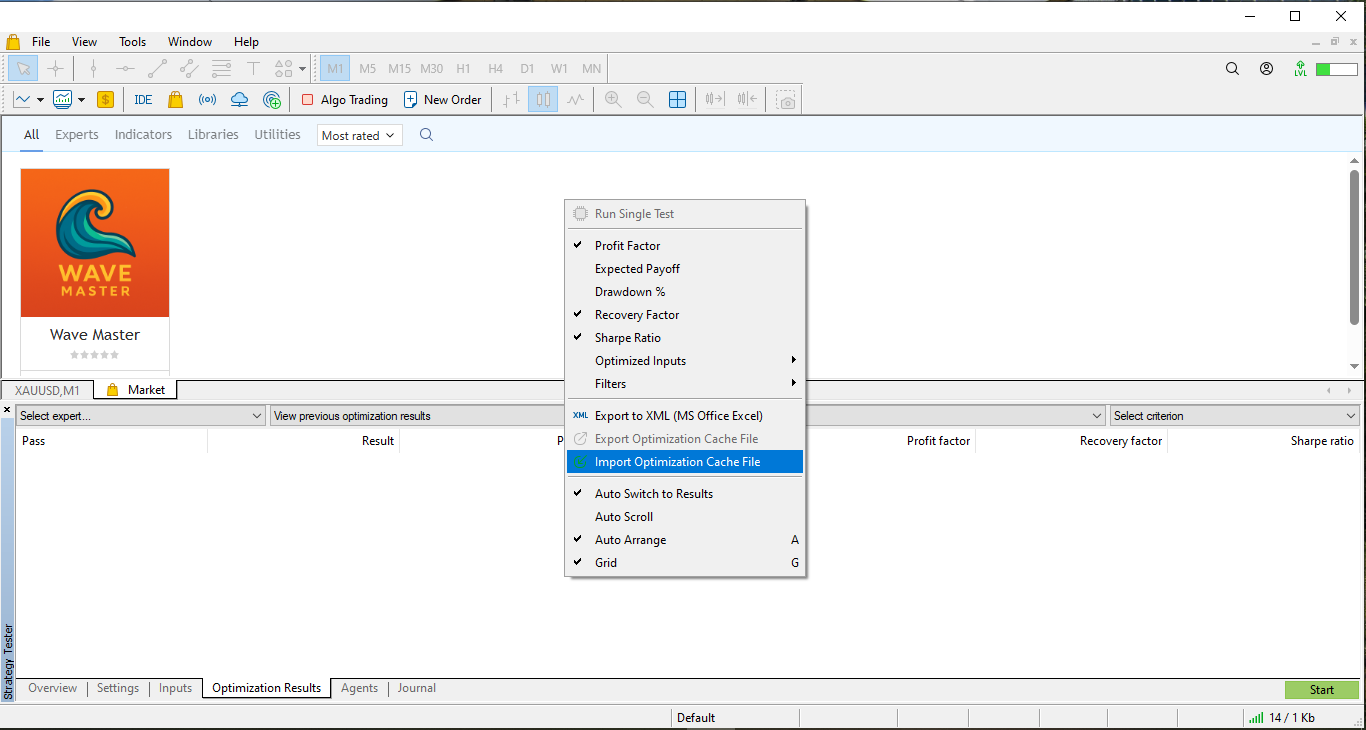
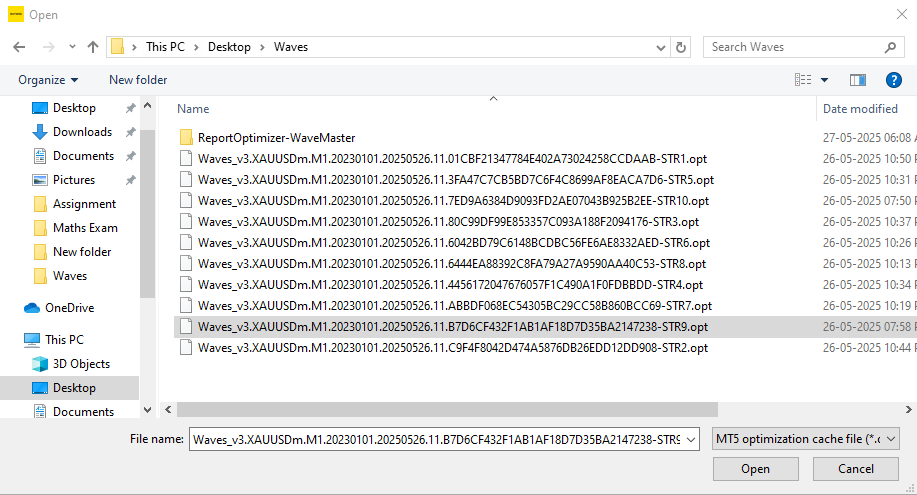
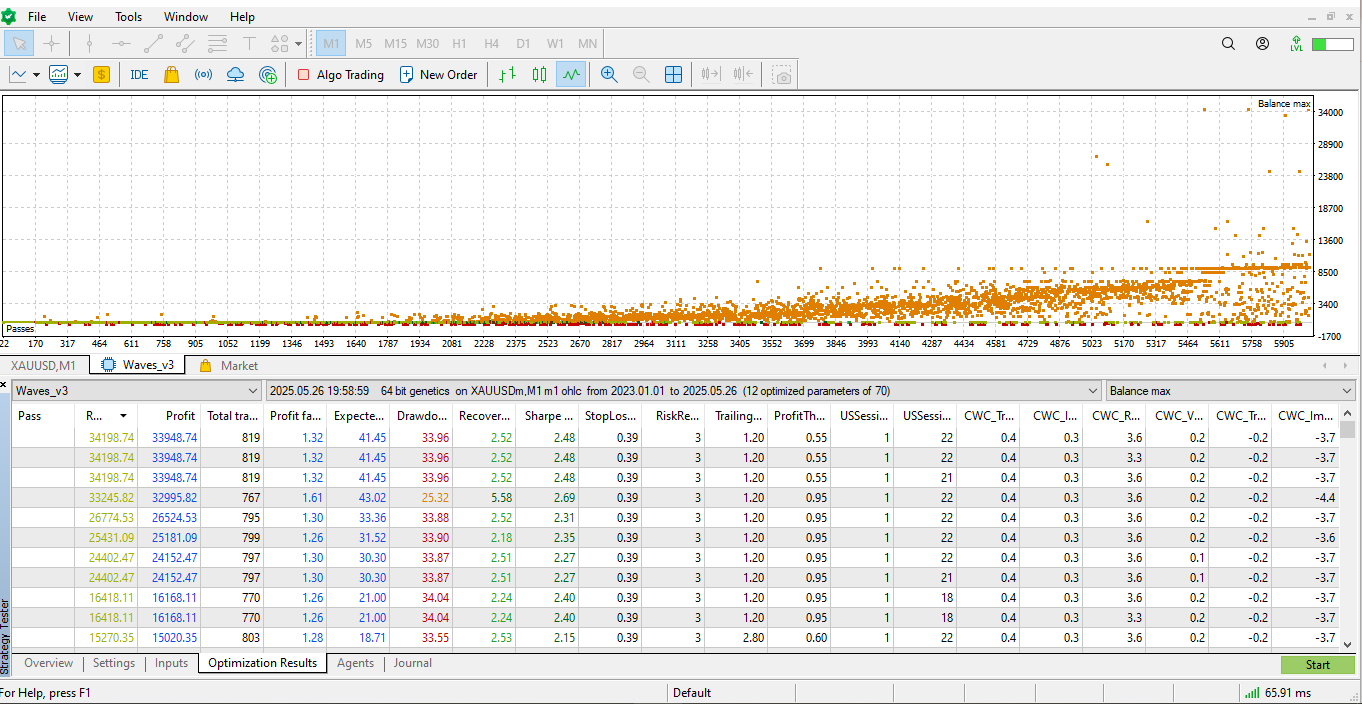
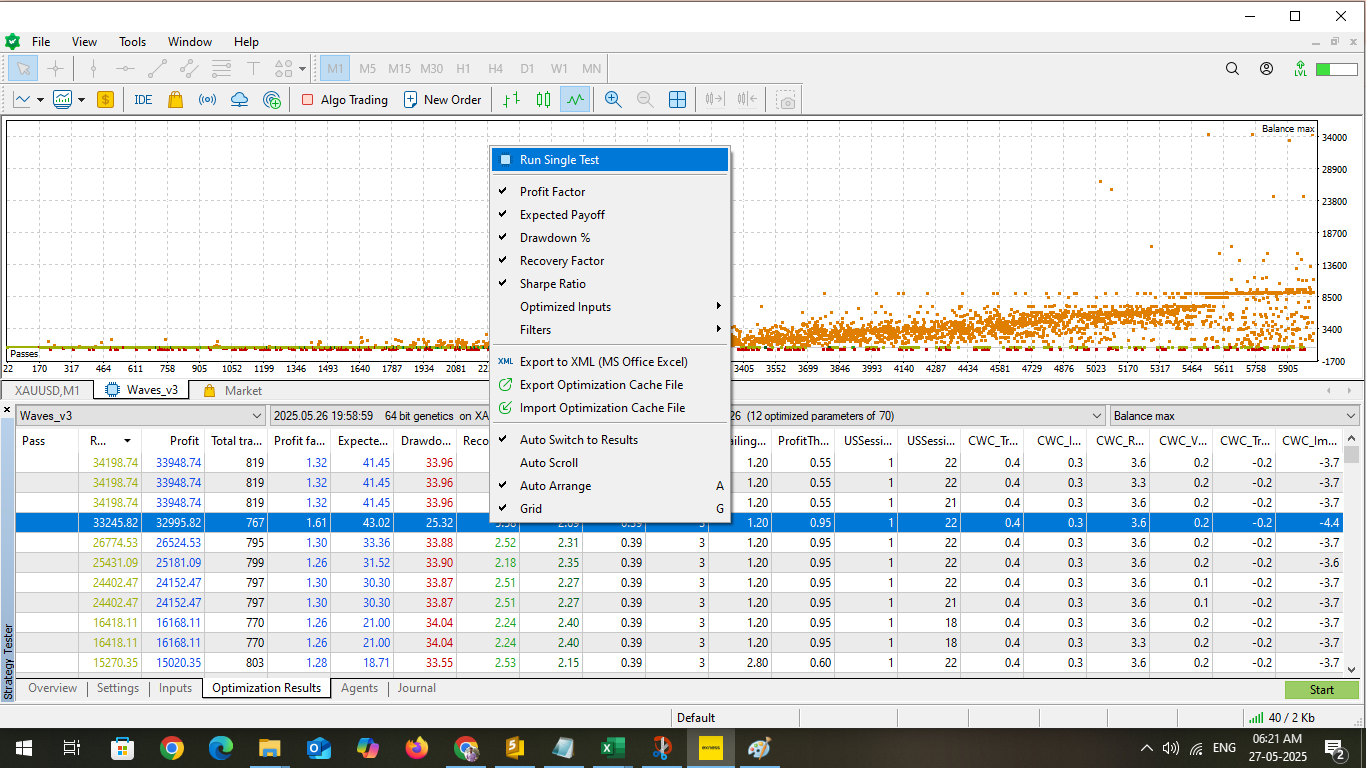
To Load the Tested optimized Results in your MT5 Strategy Tester follow the below steps.
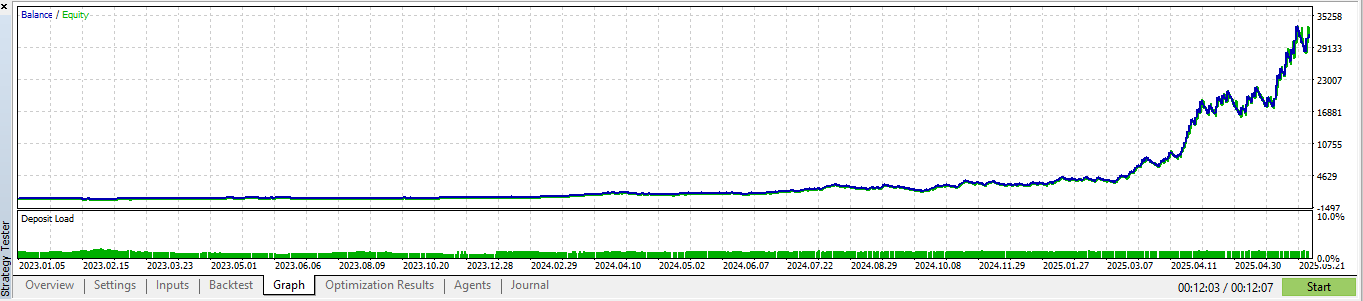
I have Tested this EA with capital $250 from 1-JAN-2023 to till Date with 3% Risk. But I suggest to keep your risk 1% or less in your LIVE account.
Make sure you have Downloaded the Wave Master EA.
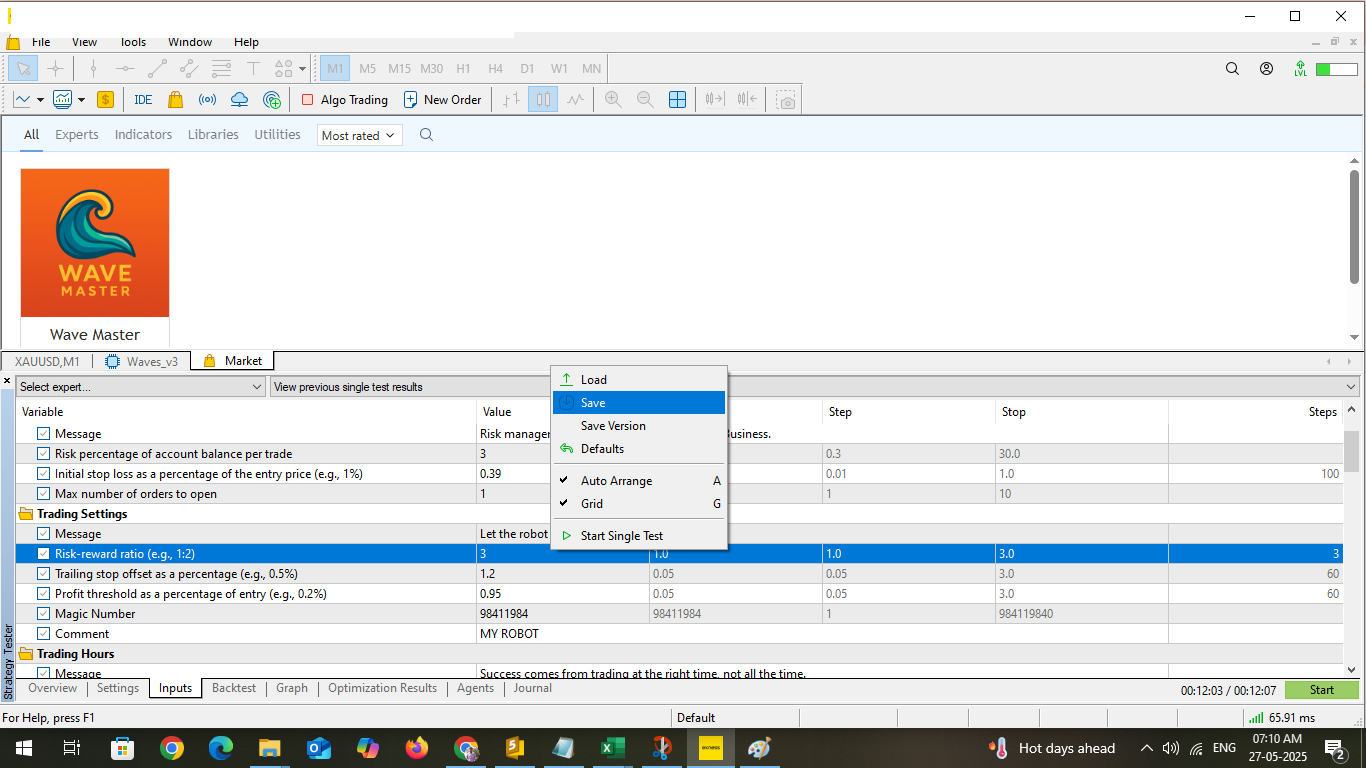
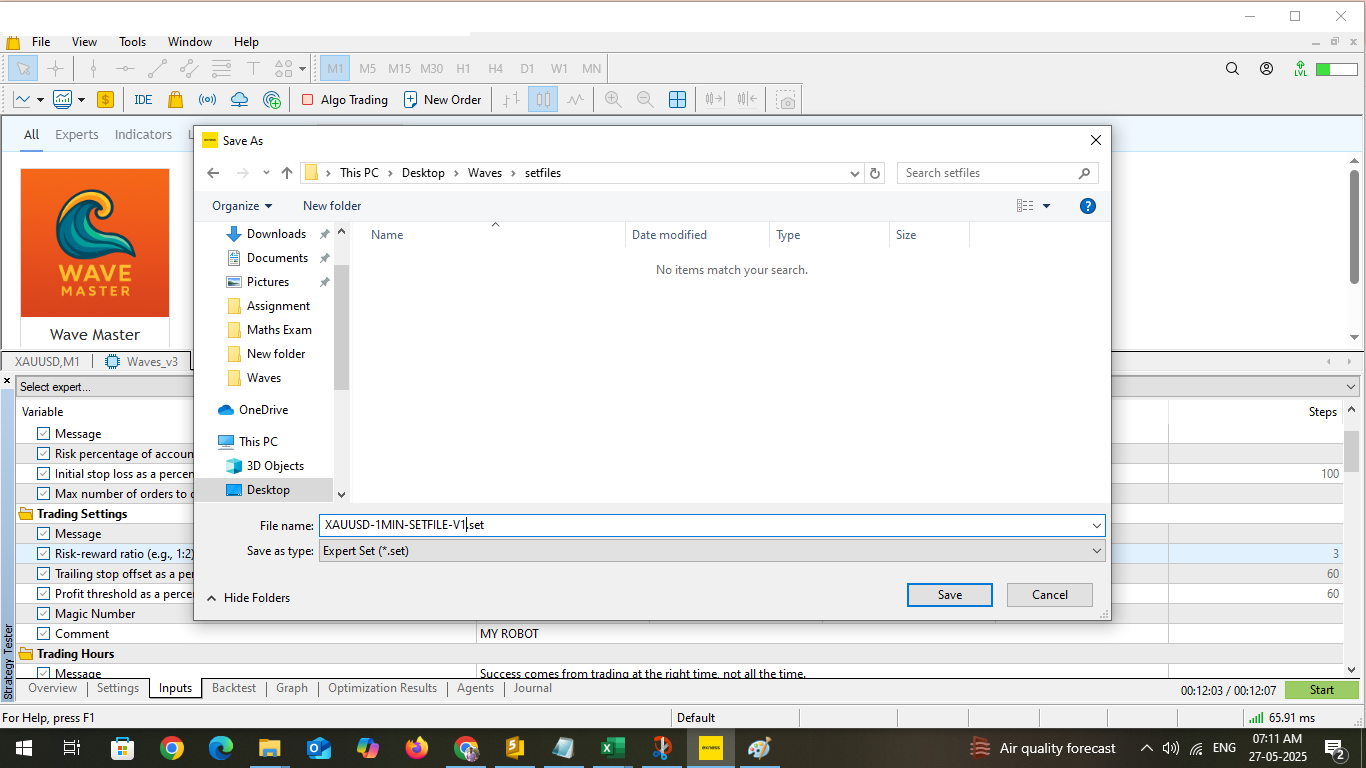
Next Follow the screenshot to Load all the optimized results (Optimized-Setfiles-Collection-10Strategy.zip) in your MT5 Terminal Strategy Tester.
Your Setfile is Ready to use it.
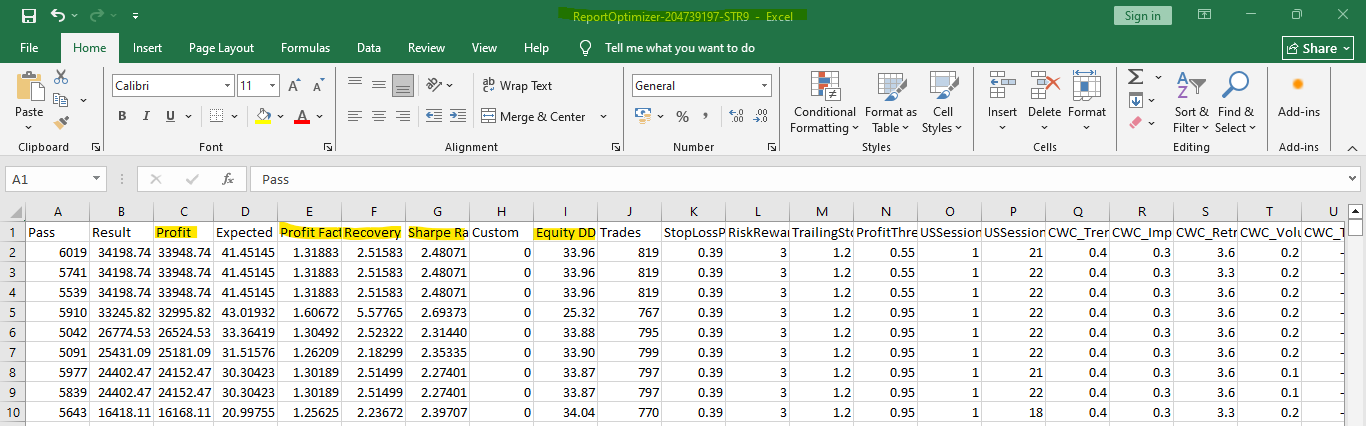
Tee see the Results Report……
Open Excel -> Open the downloaded ReportOptimizer file (ReportOptimizer-WaveMaster.zip) for all the 10 Waves Strategy to see the Complete Optimized Results. screen shot mentioned below.
I also attached sample Set Files for your Testing and Verifications. Sample-Setfiles-Wave-Master.zip
Source link

-香港經濟日報-即時新聞頻道-即市財經-shareandstockscom.jpeg)