
Ratio X AI Gold Fury: made for you, updated for your trading.
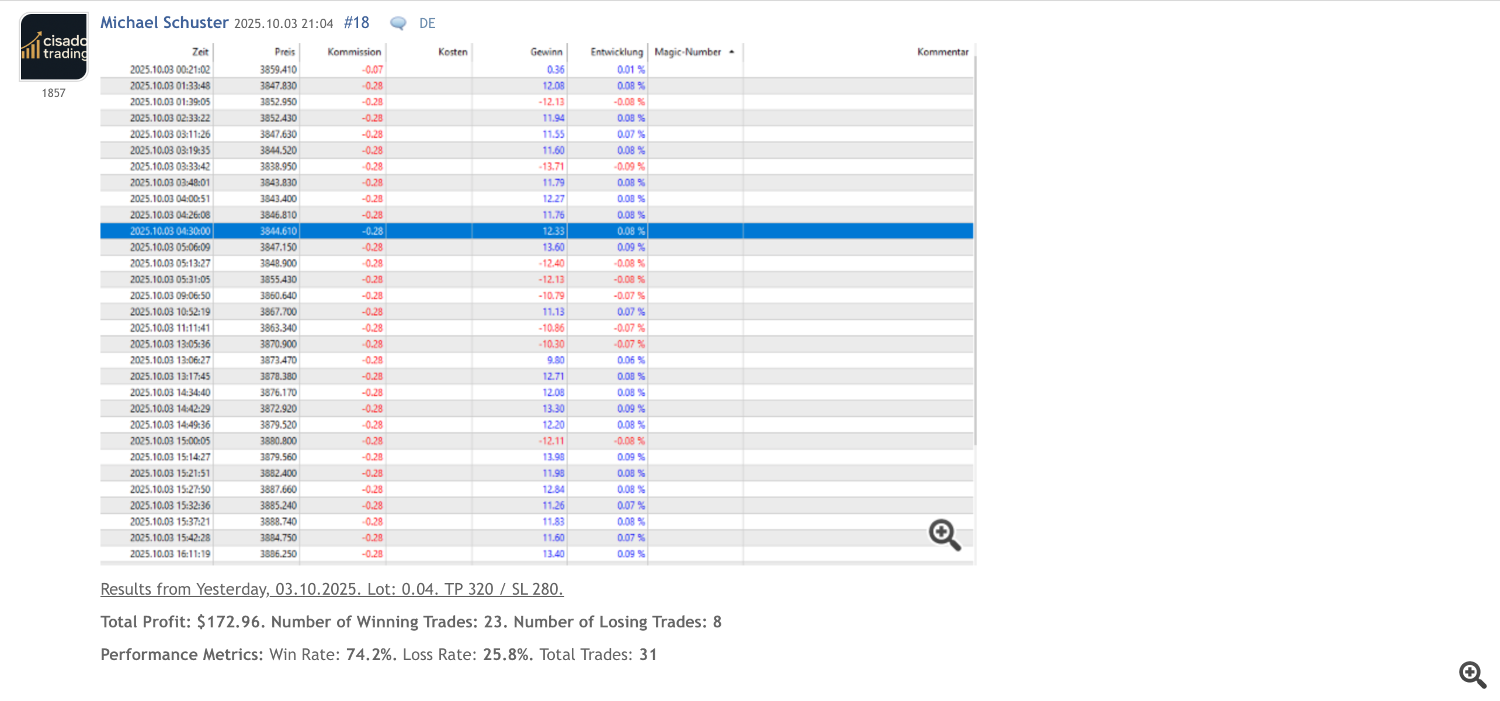
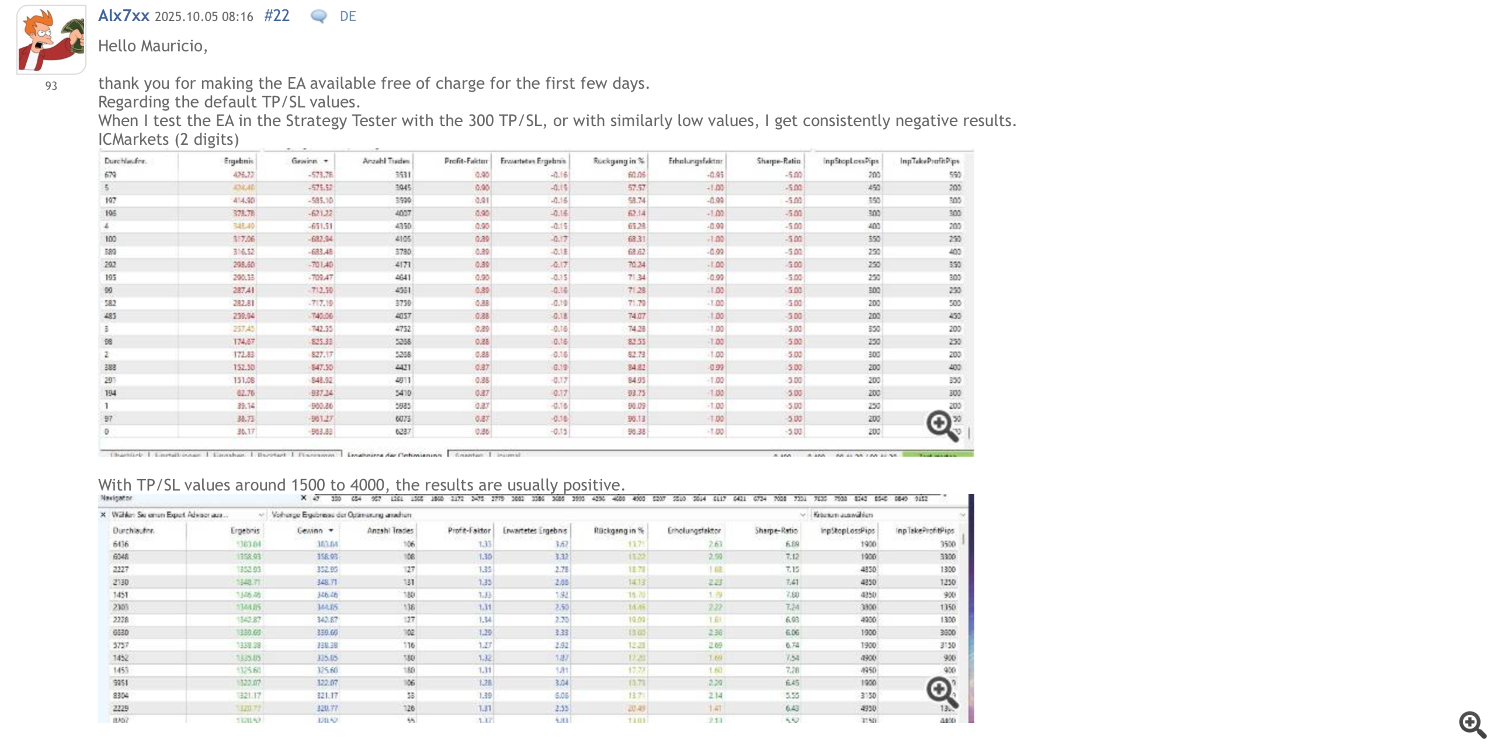
One week ago, we released Ratio X AI Gold Fury. Within 48 hours, you told us exactly what needed to change. Brokers using “xauusd+” instead of “XAUUSD” couldn’t run the EA. Traders wanted control over position sizing. The AI made decisions, but you had no say in how stop losses were set.
We could have defended the original design. We could have said “it works as intended.” Instead, we rebuilt the parts that created friction between what the EA could do and what you needed it to do.
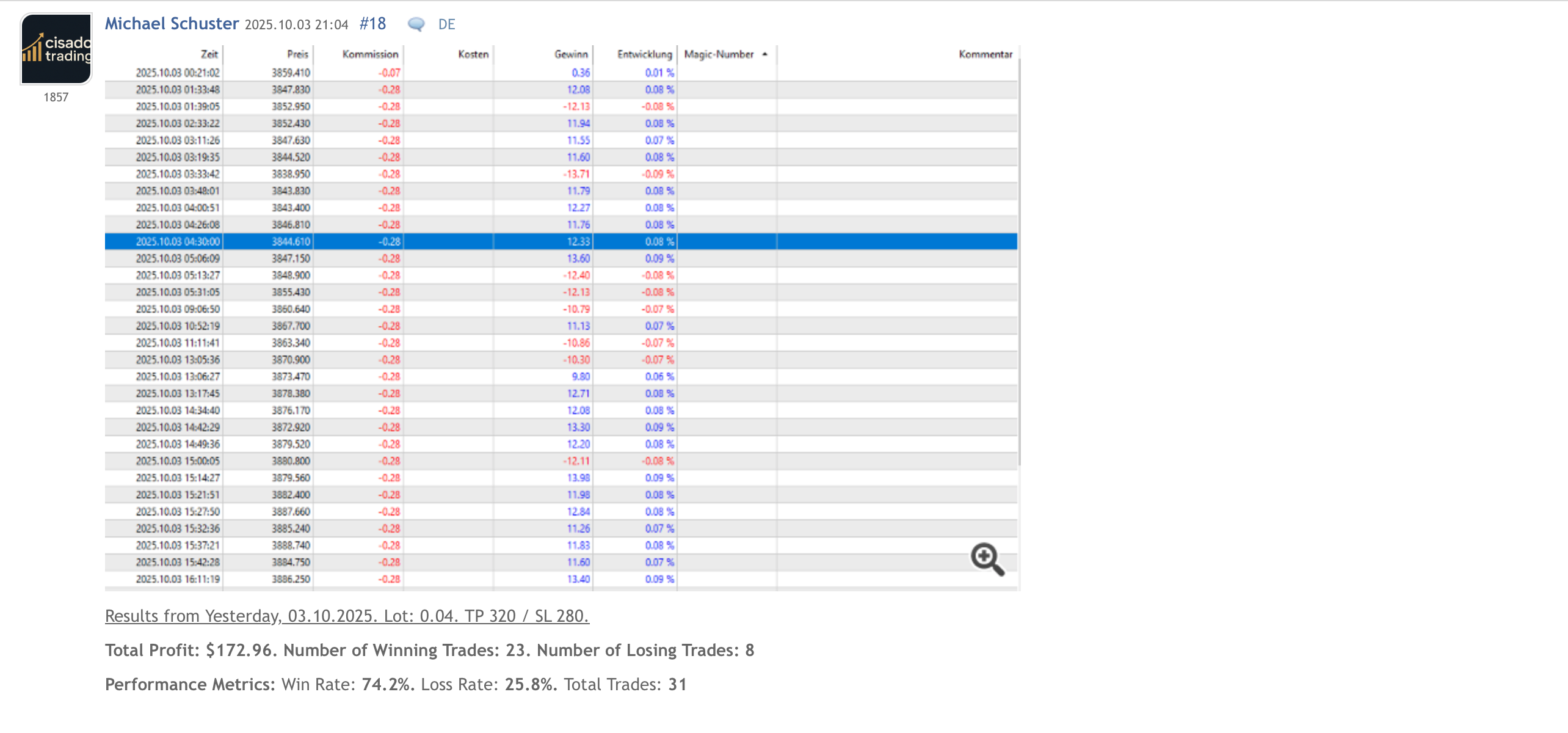

What Changed and Why It Matters
The symbol restriction is gone. The EA now works with any broker’s naming convention—XAUUSD, xauusd+, GOLD, XAUUSDm, whatever your broker calls it. This wasn’t about being lazy with the original code. The restriction existed because the AI prompts referenced “XAUUSD” explicitly. We’ve now made the prompts adapt to whatever symbol you’re trading. Same AI analysis, no arbitrary gatekeeping.
Position sizing became flexible. You now choose between two modes: AutoLot calculates your position size based on risk percentage and stop loss distance, or FixedLot uses whatever lot size you specify. The AutoLot mode does the math most traders skip—it accounts for stop loss distance, account balance, and margin requirements to determine how much you should actually risk. The FixedLot mode exists for traders who have their own system and don’t need the EA making volume decisions.
The AI can now recommend stop losses and take profits dynamically. Before, you set fixed distances—300 points for SL, 300 for TP, regardless of market conditions. Now you can enable AI recommendations where the system analyzes current volatility, support/resistance levels, and suggests appropriate SL/TP for each trade. Or you can keep using fixed values. Your choice.
Trailing stops are implemented. When enabled, the EA moves your stop loss to lock in profit as the trade moves in your favor. You set the trailing distance and minimum step. The EA handles the rest. Works with both AI-recommended stops and fixed stops.
Magic numbers are now configurable. This matters if you run multiple EA instances or use other EAs simultaneously. Each instance gets its own identifier, preventing position conflicts and ensuring proper trade attribution.
RSI thresholds moved from 40/60 to 30/70 in Test Mode. The 40/60 levels generated too many signals in ranging markets. The 30/70 standard is more conservative and aligns with how most technical traders use RSI.
The Mechanism Behind AutoLot
When you enable AutoLot and set risk to 2%, here’s what happens: The EA looks at your account balance—let’s say $1,000. Two percent risk means you’re willing to lose $20 on this trade if it hits your stop loss. The EA then calculates: if the stop loss is 300 points away, how many lots can I trade where hitting that stop equals exactly $20? It factors in the symbol’s contract size, tick value, and current price. Then it checks if you have enough margin for that position. If not, it reduces the volume until the margin requirement fits within 90% of your available margin. The final lot size gets normalized to your broker’s minimum step (usually 0.01).
This is the calculation most traders do manually in a spreadsheet, forget to update, and eventually ignore completely. The EA does it before every trade based on current account state and intended stop loss distance.
How AI Stop Loss Recommendations Work
When you enable AI SL/TP, the EA’s prompt to DeepSeek changes. Instead of just asking “should I buy or sell,” it includes “and at what stop loss and take profit levels?” The AI receives the same technical data—RSI, MACD, EMAs, Bollinger Bands, recent price action. But now it’s also tasked with determining appropriate risk boundaries for the specific setup it’s recommending.
The AI doesn’t just pick random levels. It considers current ATR (volatility), recent support/resistance zones visible in the candle data, and the confidence level of its trade recommendation. A high-confidence setup in low volatility might get a tighter stop. A lower-confidence setup in high volatility gets more room to breathe.
If you prefer fixed stops, disable the AI SL/TP option. The EA uses your manually configured distances. Both approaches work. The question is whether you want stop placement to adapt to market conditions or remain consistent regardless of context.
If You Need More Than This EA Provides
Ratio X AI Gold Fury uses DeepSeek’s reasoning model and focuses specifically on gold trading with essential risk management. It’s designed for traders who want AI assistance without complexity.
If you need multi-timeframe analysis, multiple symbols, advanced risk metrics (Sharpe ratio, Sortino, Calmar), VaR monitoring, and position correlation tracking, that’s what Ratio X AI Trading Professional handles. It uses OpenAI’s GPT-4o-mini, analyzes data across multiple timeframes simultaneously, includes regime detection (trend/range/volatile/crisis), and implements Kelly criterion for position sizing alongside volatility-based and fixed-lot options.
The Professional version also has execution modes beyond simple market orders—limit orders with time-in-force, TWAP fragmentation for larger positions, and smart execution that considers liquidity timing. It calculates real-time performance metrics including Recovery Factor, Profit Factor, Omega ratio, and Expected Shortfall (CVaR). It runs stress tests on your current positions and monitors drawdown across three tiers with circuit breaker functionality.
That EA costs $37 initially and increases $10 per 20 buyers. It’s built for traders who want every available analytical edge and have the account size to justify the additional complexity. Most traders don’t need it. Some do.
Pricing and Access
Ratio X AI Gold Fury version 1.2 is available now at this link. It’s free until October 10th. After that, the price becomes $97.
The free period exists because this EA includes genuine AI integration using DeepSeek’s API, and we want traders to test it properly on demo accounts before the paywall goes up. The $97 price reflects what it costs to build and maintain an EA that makes external API calls, handles dynamic position sizing, and implements trailing stops correctly. It’s not an arbitrary number designed to “add value through pricing psychology.” It’s the point where development costs and support time break even after 15-20 sales.
If you download it now, you keep it permanently regardless of future pricing. If you wait until October 11th, you pay $97. The EA works the same either way.
What You Should Do
Download the EA. Read the configuration guide. Set up a demo account with your broker. Configure Test Mode first to understand the technical logic without API costs. Then set up Live Mode with your DeepSeek API key (costs about $5-15/month depending on analysis interval). Run it for two weeks. Watch which trades it takes and which it skips. Check the confidence scores. Evaluate whether the AI’s reasoning aligns with sound trading principles.
If after two weeks on demo you see value, move to live with minimum position sizes. If you don’t see value, you lost nothing except the time spent testing.
The EA is a tool. It won’t make you wealthy. It won’t fix poor risk management. It won’t overcome insufficient capital or unrealistic expectations. What it does: combines AI market analysis with disciplined risk filters, calculates appropriate position sizes, and executes trades only when multiple conditions align.
Free until October 10th. Then $97. Make your choice based on demo results, not urgency.
Source link