TickStorm Scalper EA — New Set Files for GBPUSD & EURUSD Completed!
📢 TickStorm Scalper EA — New Set Files for GBPUSD & EURUSD Completed!
We’re excited to announce that optimized set files for GBPUSD and EURUSD have now been successfully completed. This means you can now run TickStorm Scalper EA on the following symbols:
🧠 How to Use
You can run these symbols in one of two ways:
-
On a single account, by attaching TickStorm to multiple charts (XAUUSD, GBPUSD, EURUSD) — all using the M1 timeframe
-
Or on separate accounts, depending on your preferred setup
⚖️ Why Multi-Pair Setup Is Powerful
Running multiple pairs on the same account offers key benefits:
✔️ Balance smoothing — Losses on one pair may be offset by profits on another
✔️ Independent signals — Each pair runs on its own logic and trades independently
✔️ Diverse opportunity flow — If one market is slow, another might be active
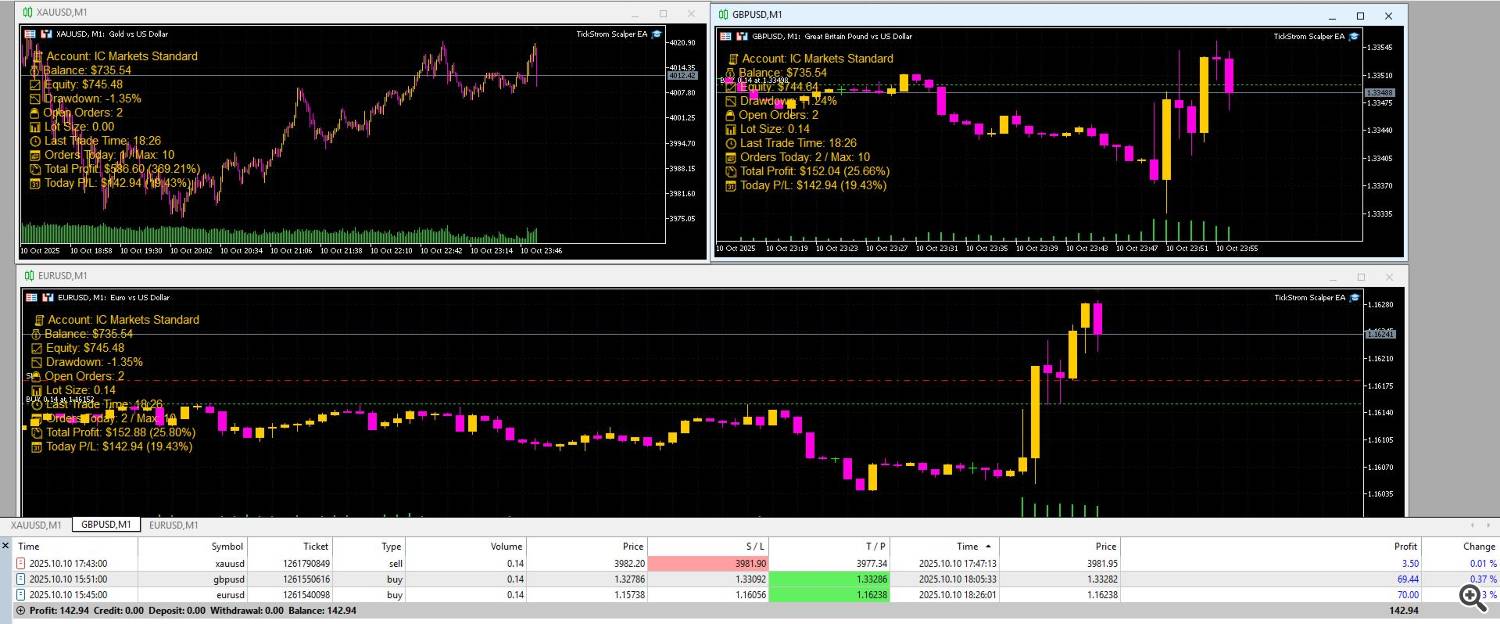
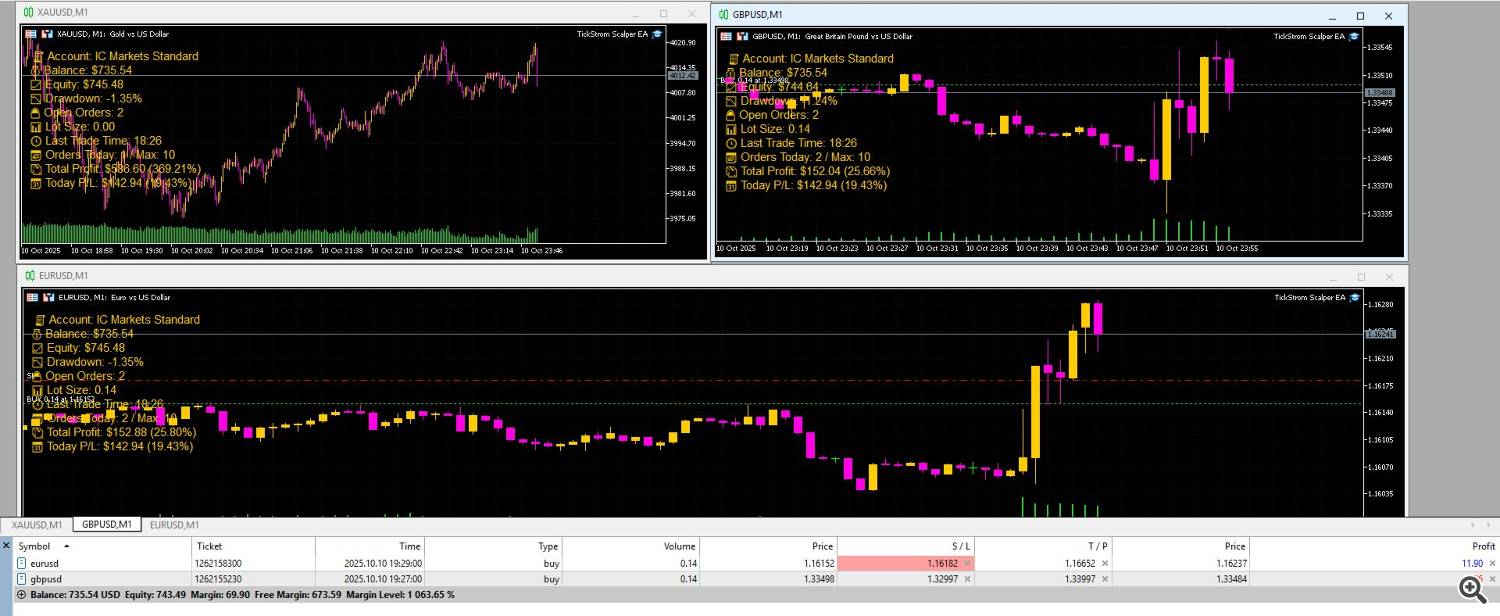
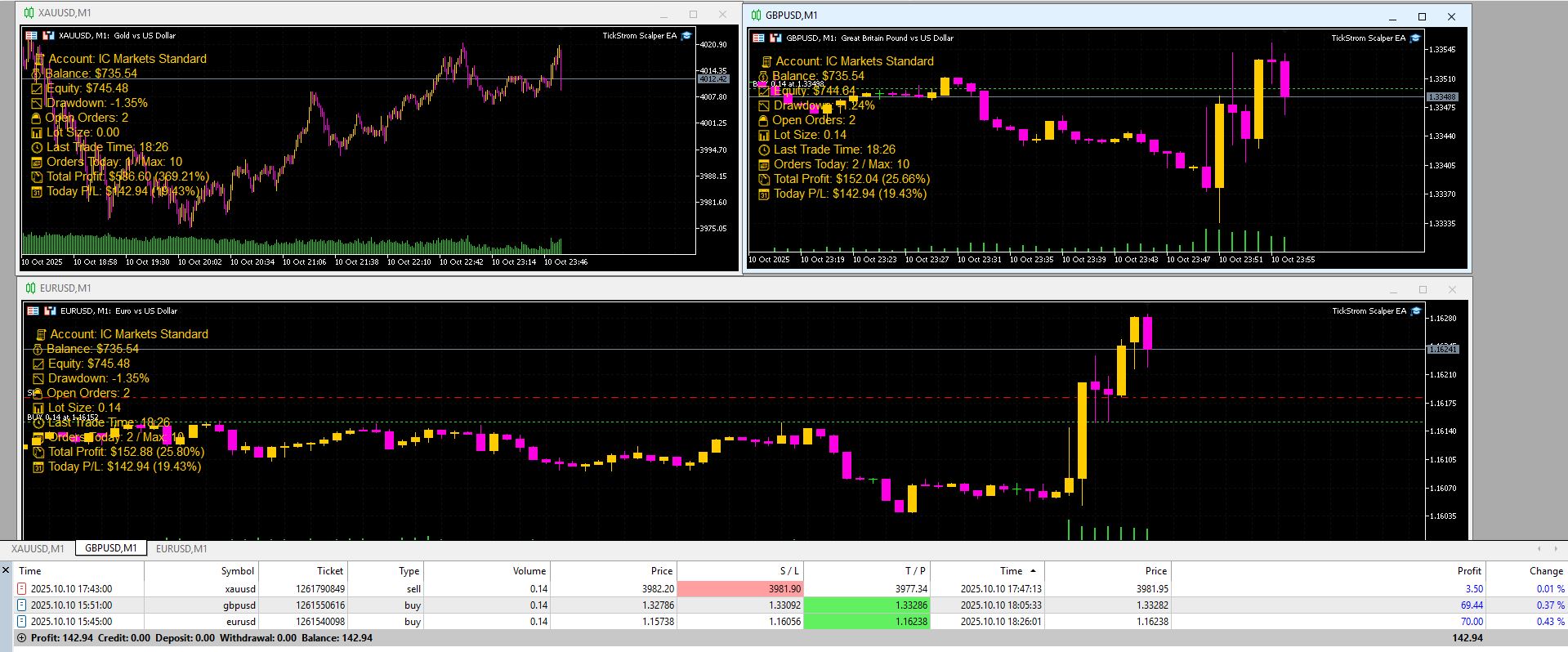
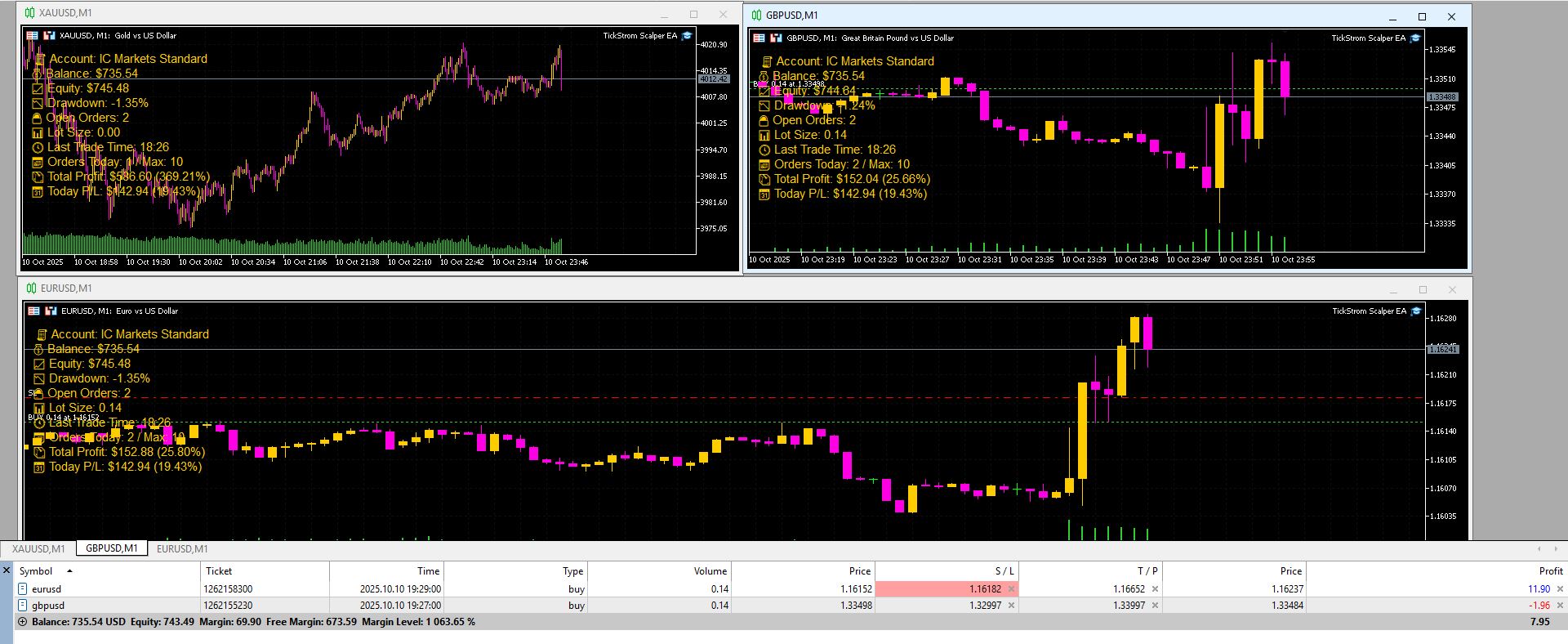
💹 Real Trading Snapshot
In the current session, we’re seeing:
🟢 Positive P/L (Profit/Loss) from today’s trades
🔄 Some positions remain open and are carrying over into next week
📸 This is clearly visible in the screenshots — showcasing how TickStorm handles real-time momentum and manages trades through transitions.
📌 Notes
-
TickStorm does not use martingale or grid
-
Each symbol operates with its own Magic Number and independent signal logic
-
Be sure to load the correct set file for each pair individually
🔗 Set files and full instructions are available in the comments or download section.
💬 Got questions? Just drop a message — we’re happy to help you get started!
Source link