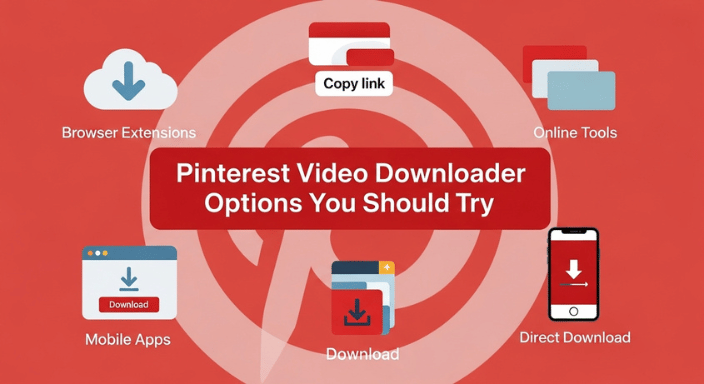
Pinterest Video Downloader Options You Should Try



Pinterest is a goldmine of creativity, inspiration, and even funny cat videos. But what if you want to save that brilliant DIY tutorial or that hilarious meme for later? That’s where a Pinterest video downloader comes in. You know, those nifty tools that let you grab videos from Pinterest and store them for offline enjoyment. But wait—there are so many options out there. So how do you know which one is the best? In this article, we’re going to explore the best Pinterest video downloader options that you absolutely need to try.
READ ALSO: Funny Videos You’ll Watch 12 Times in a Row
What is a Pinterest Video Downloader?
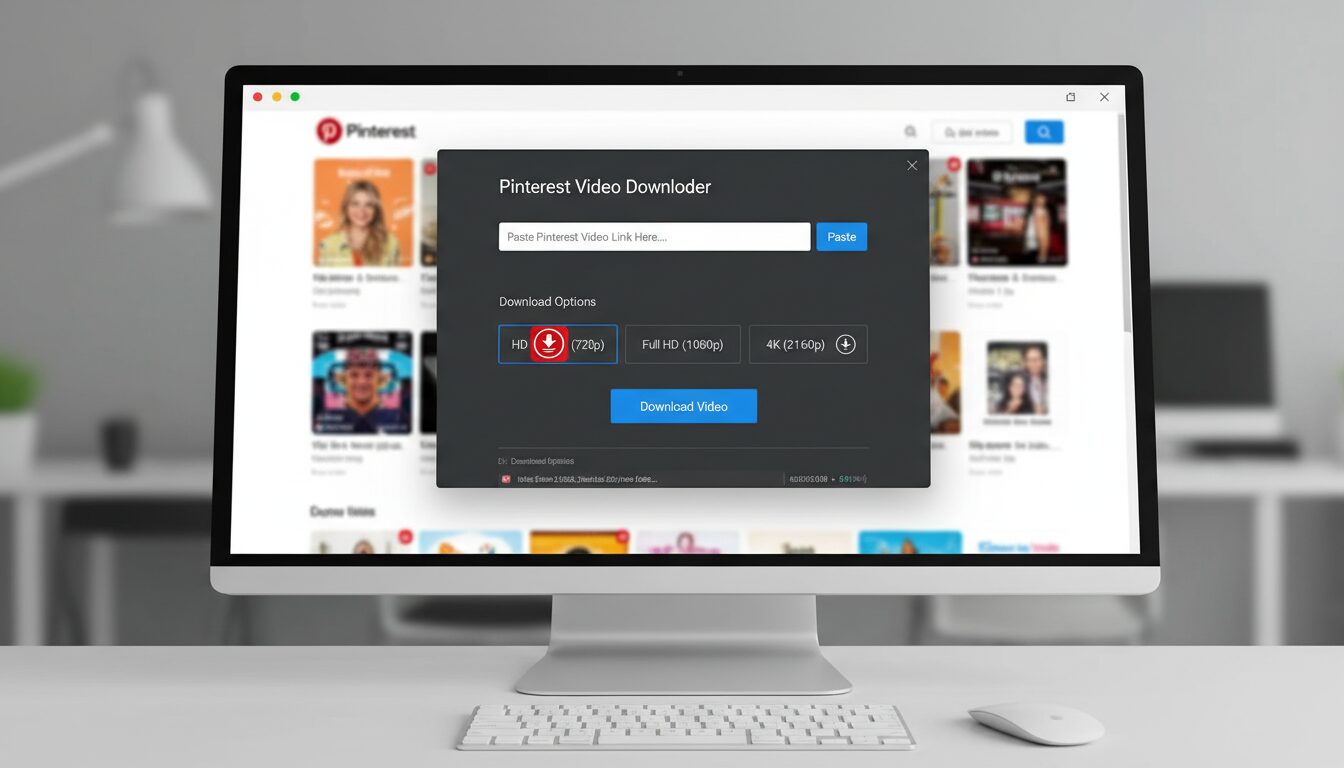
A Pinterest video downloader lets you easily save videos from Pinterest to watch later or share. Since Pinterest doesn’t have a built-in download feature, these tools step in to help. They’re user-friendly, work across desktops, phones, and tablets, and allow you to download videos, images, and GIFs in high-quality formats like HD and 4K.
These tools are free to use, don’t require personal info or software installation, and ensure privacy by not storing files on servers. Popular options like SavePinMedia, ExpertsPHP, and KlickPin support HD downloads on both mobile and desktop. Plus, apps like Pinterest Video Downloader (iOS) and Video Downloader for Pinterest (Android) make it easy to save content directly from your phone. Whether it’s Full HD, 2K, or 4K, these tools provide watermark-free downloads with no limits or restrictions.
There are online websites, browser extensions, and mobile apps that can do the job—some are free, some might charge you a fee, but hey, we want the best for you! These downloaders let you store videos in multiple formats, so you can save the content for later viewing, no internet required.
How to Download Pinterest Videos
Downloading Pinterest videos is easier than you might think, and with the right video downloader tool, you can save your favorite Pinterest videos, images, and GIFs for offline viewing in just a few clicks. Whether you’re a content creator, social media manager, or simply want to keep your favorite Pinterest content handy, here’s how to get started:
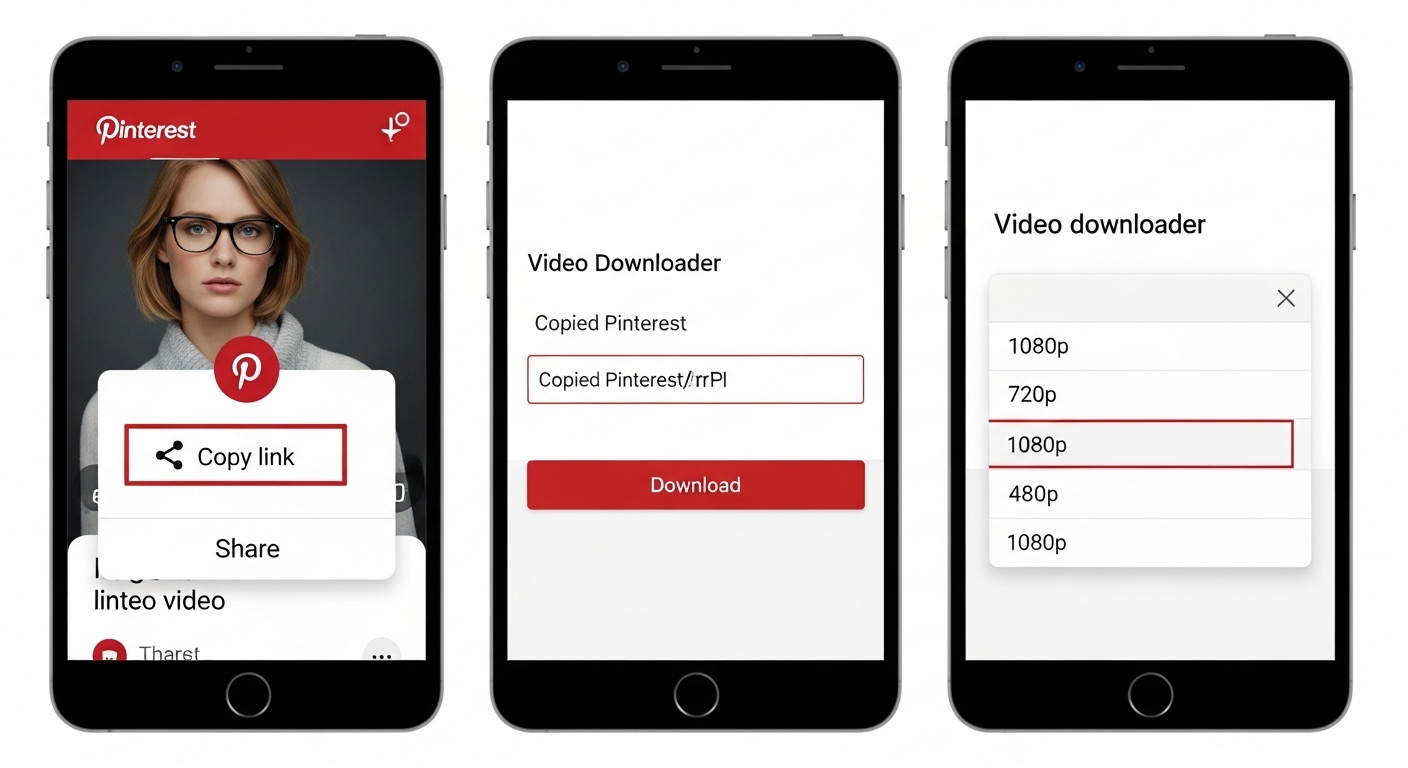
- Copy the Pinterest video URL: First, find the Pinterest video you want to save. Click the share icon or the three dots (⋯) on the video, then select “Copy link” to grab the pinterest video url.
- Go to the video downloader tool: Open your browser and head to a reliable Pinterest video downloader, like KlickPin or GetInDevice. These tools are completely free and don’t require any software installation.
- Paste the video link: In the input box on the downloader page, paste the copied video link. This is where the magic begins!
- Select the video quality: Choose your preferred video quality—HD, Full HD, or even 4K if available. Higher video quality means your saved content will look great on any device.
- Press the download button: Click the download button to start the download process. Most tools will let you download multiple Pinterest videos at once, making it easy to save all your favorite content in one go.
- Save the video: Once the download is complete, your video will be saved to your device, usually in the downloads folder. Now you can enjoy your Pinterest videos offline, anytime you want.
READ ALSO: Hilarious Videos Of Dogs—Guaranteed Mood Booster
1. KeepVid – Classic, Simple, and Reliable
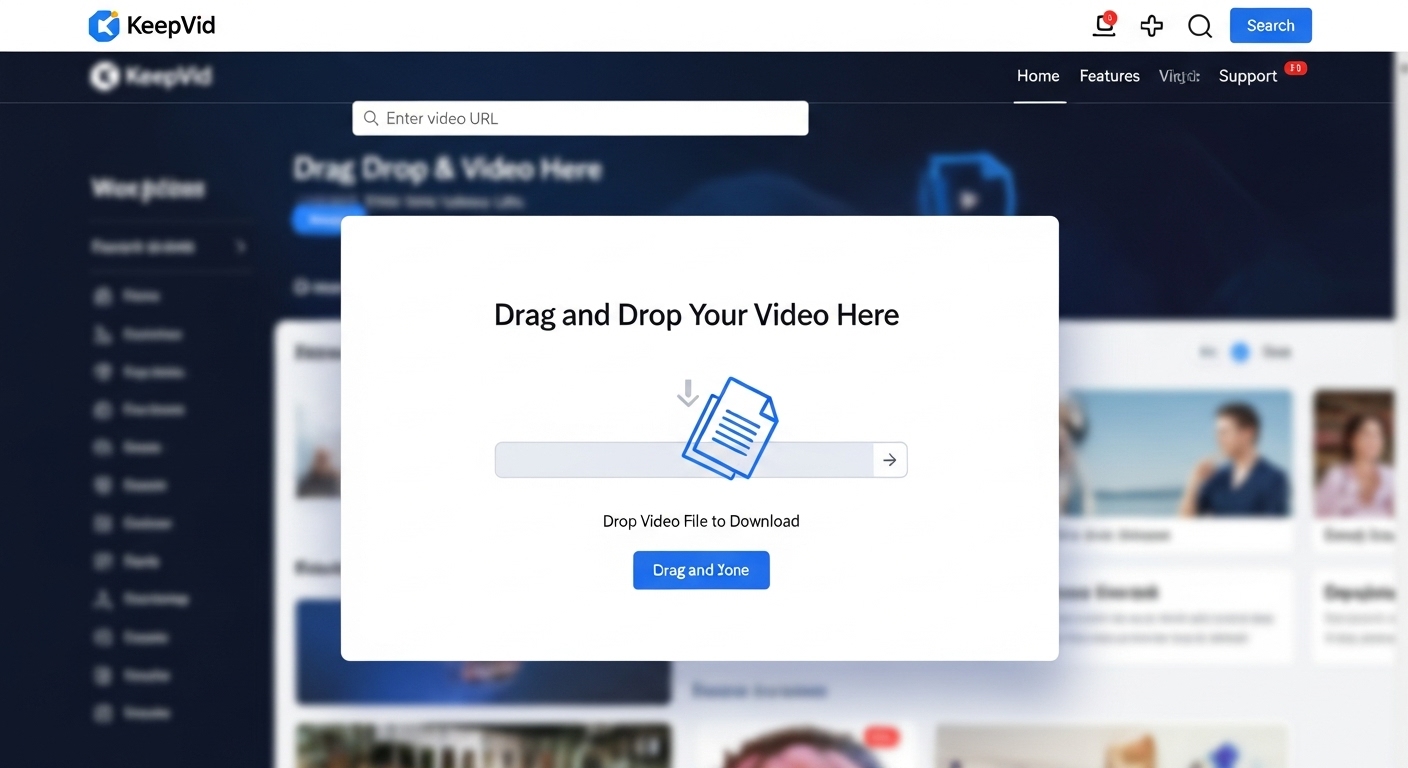
If you’re looking for an easy-to-use Pinterest video downloader, KeepVid should be your first stop. This online tool is a favorite for many because it’s fast, reliable, and free. It allows you to download Pinterest videos with just a few clicks. All you need is the video URL, and KeepVid works its magic.
Key features of KeepVid include a user-friendly interface, seamless downloads, and a hassle-free experience, making it simple for anyone to save Pinterest videos quickly and efficiently.
The beauty of KeepVid is that you don’t need to install any software. Just paste the URL into the tool, and you’ll be able to download videos in HD quality. So if you’re looking for something no-fuss to save your favorite Pinterest gems, this one’s a solid choice.
2. Pinterest Video Downloader – The Dedicated Downloader
A dedicated Pinterest downloader tool allows users to download content from Pinterest quickly and efficiently. Designed specifically for downloading Pinterest videos, images, and GIFs, it supports multiple formats and video resolutions, so you can choose the quality and type of content you need.
Unlike some other tools, this Pinterest downloader doesn’t require you to sign up or create an account, which is a win for the privacy-conscious crowd. Whether you want to store videos from your feed or pin videos you’ve found elsewhere, this tool is up to the task.
3. 4K Video Downloader – For High-Quality Downloads
If you want your videos to shine in the best quality possible, the 4K Video Downloader is the way to go. It doesn’t just grab videos from Pinterest—it works across multiple platforms and supports downloading full playlists and channels. You can download Pinterest videos in up to 4K resolution, so you get crisp, clear, beautiful videos.
Tools like 4K Video Downloader, KlickPin, and Pindown.io allow users to download Pinterest videos in the highest quality, including HD, Full HD, 2K, and 4K MP4 formats. KlickPin lets you choose the download quality, even up to 4K, while Pindown.io supports downloading HD videos in Full HD, 2K, and 4K without any loss in resolution.
The interface is user-friendly, so you don’t need to be tech-savvy to figure it out. With 4K Video Downloader, you can download videos and audio files, including those pesky private boards. The best part? It’s free for basic use, but you can always upgrade if you need more features.
4. Y2Mate – Fast and Free
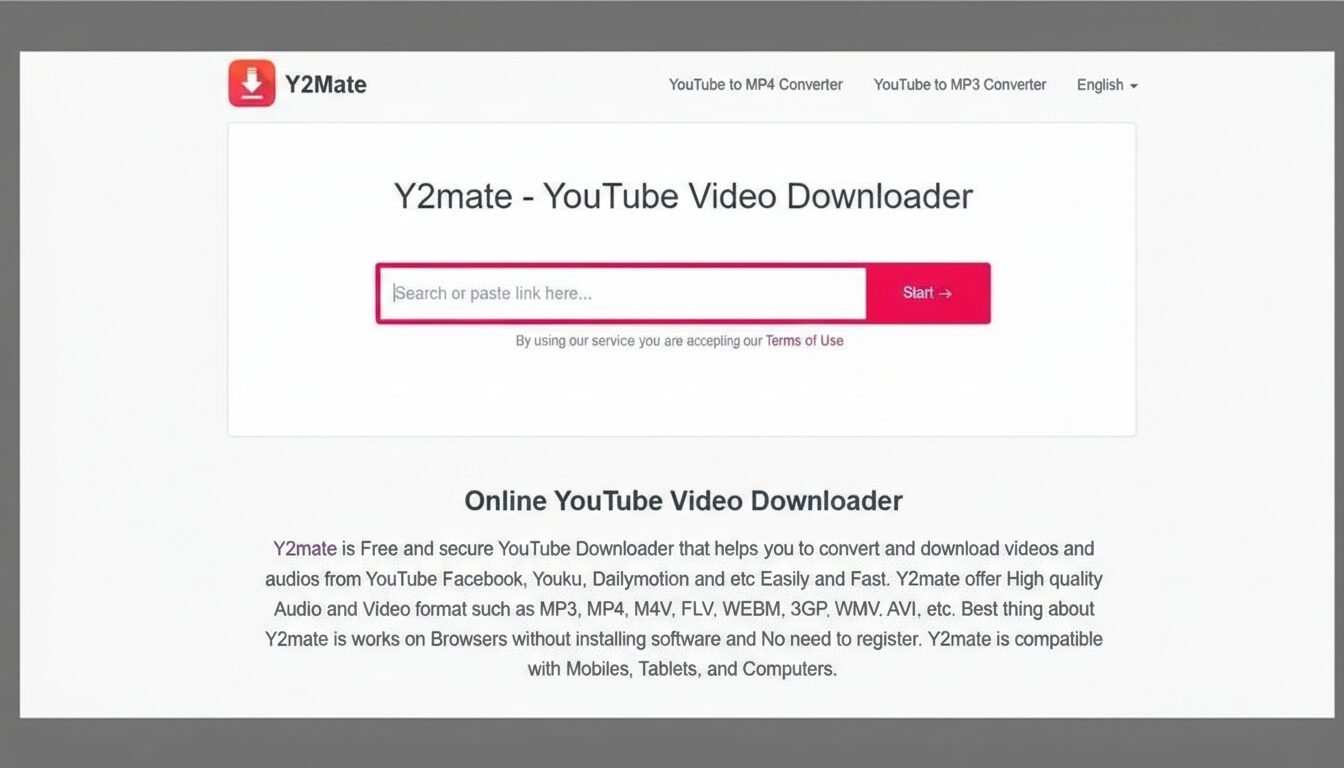
When you want a fast and free Pinterest video downloader, Y2Mate fits the bill perfectly. Just like KeepVid, it’s an online service, meaning you don’t need to download any software. It’s incredibly user-friendly, requiring only the video link to get started. Simply paste the Pinterest video link and press download to start saving your videos. You can download unlimited videos with Y2Mate—there are no restrictions or limits, so you can enjoy unlimited downloads in multiple video formats, including MP4, for easy storage and viewing on any device.
Y2Mate has been around for a while and continues to prove itself as a reliable tool for downloading videos from Pinterest and other platforms. If you’re in a hurry and need a quick download, this is the option you should go for.
5. JDownloader – The Powerhouse for Bulk Downloads
If you’re the type of person who can’t stop scrolling and ends up with a ton of Pinterest videos in your feed, then JDownloader might be the tool you need. This one is perfect for those who want to batch download several videos at once. It’s a downloadable program, so it works offline, but you can add multiple Pinterest links to the download queue, and JDownloader will do the rest.
With JDownloader, you can download multiple videos at once, and there are no restrictions on how many videos you can download—enjoy seamless downloads of all your Pinterest content, whether it’s videos, images, or GIFs.
JDownloader works with multiple platforms, but Pinterest is one of its specialties. It supports downloading videos, images, and even playlists, all at once. It’s the tool you want when you’re looking to organize your massive collection of Pinterest finds. Plus, it’s free!
6. Video Downloader Professional – The Chrome Extension
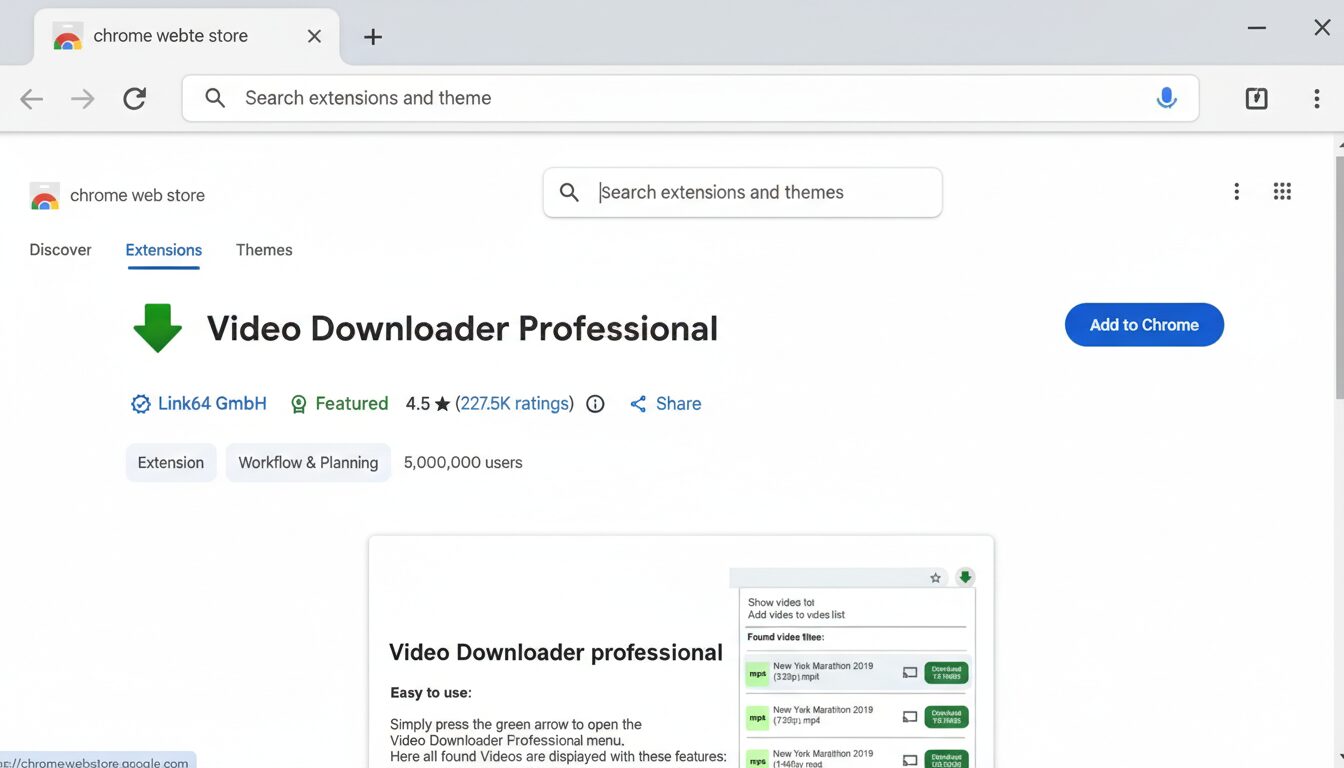
Are you a Google Chrome user? If so, Video Downloader Professional is a Pinterest video downloader extension worth checking out. With just a click, this extension lets you grab videos from Pinterest and save them directly to your computer. It’s fast, efficient, and doesn’t require any additional software or registration.
This Pinterest downloader extension works seamlessly on desktop devices, allowing users to download Pinterest images as well as videos. It is also available as a Pinterest video downloader app, supporting multiple formats and high-quality downloads across different platforms. Pinedia is a popular Chrome extension that adds a direct Download button to Pins for one-click saving.
The extension allows you to download high-quality videos and offers you the ability to pick the resolution you want. It’s convenient if you’re already using Chrome, and it makes the whole downloading process feel like a breeze. Whether you’re downloading a single video or multiple pins, this extension will have you covered.
Why You Need a Pinterest Video Downloader
So, why should you bother with a Pinterest video downloader? Pinterest is full of inspiring videos— DIY tips, recipes, workouts, funny moments, you name it! Sometimes you just want to save that content for later without worrying about losing it in your feed. Having a Pinterest video downloader helps you save all those fantastic finds quickly and easily.
Conclusion
In the end, the Pinterest video downloader you choose comes down to your needs. The best Pinterest video downloader for you will depend on the key features you value most, such as download speed, video quality, or the ability to batch download. If you want simplicity, KeepVid is perfect. For high-quality video downloads, 4K Video Downloader has you covered. JDownloader is fantastic for bulk downloading, while Y2Mate is a quick and free solution. And if you’re looking for ease with a Chrome extension, Video Downloader Professional will do the job.
UP NEXT: Zero Trash Lifestyle That Made My Apartment Pinterest-Worthy
Source link