🚀 How to Set Up a Telegram to MT5 Signal Copier – Full Guide
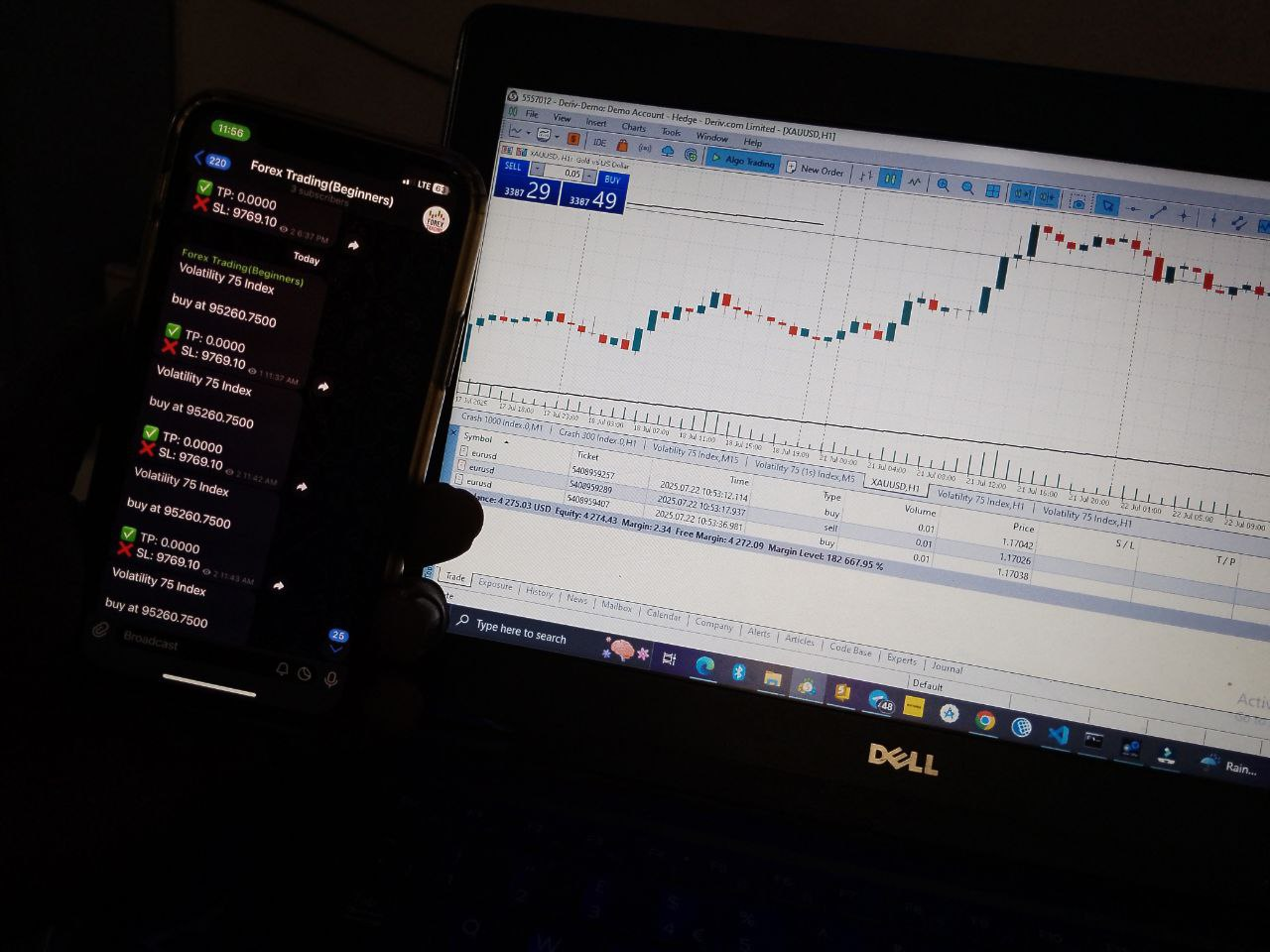
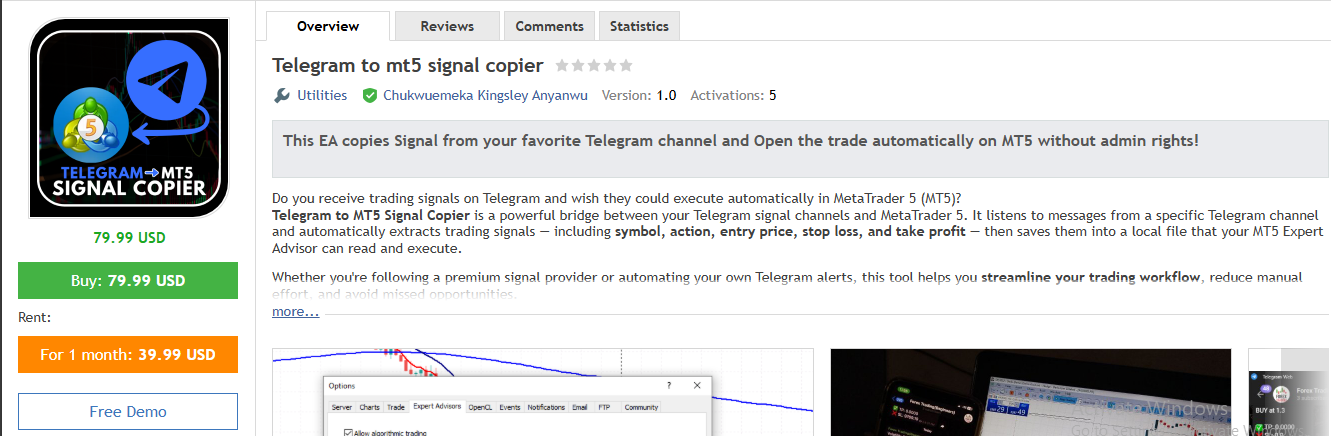
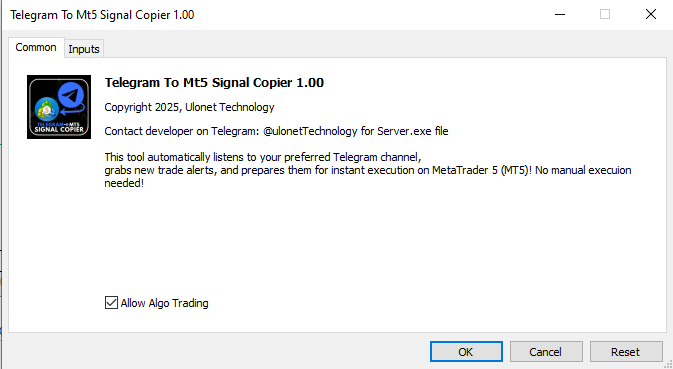
If you’re tired of manually copying trade signals from Telegram into MetaTrader 5 (MT5), you’re not alone. With a Telegram to MT5 Signal Copier, you can automatically execute trades from your favorite signal channels — hands-free!
In this guide, you’ll learn how to:
-
Set up the MT5 EA for signal reading
-
Configure the Signal Copier Server
-
Connect your MT5 terminal using the Expert Advisor (EA)
-
Automatically execute trades from Telegram
Let’s dive in!
✅ What You Need
-
A Windows PC (or VPS) to host the server and run MT5
-
MetaTrader 5 platform (installed and running)
-
Telegram account (with access to signal channel)
-
Your signal copier package (Server + MT5 EA)
-
Stable internet connection
🔧 Step 1: Download the Telegram to MT5 Signal Copier Packages
First, download the copier package. The package typically includes:
📲 Step 2: Set Up Telegram Client
The server connects to Telegram.
-
Run the server script ( server.exe )
-
It will prompt:
-
Enter Telegram channel name (e.g., prosignals )
-
Enter your phone number with country code (e.g., +2348123456789 )
-
-
You’ll receive a code from Telegram (sent to your Telegram app)
-
Enter the code to authorize access
✅ The bot is now connected and starts listening for signals from the channel.
⚙️ Step 3: Run and Configure the EA
-
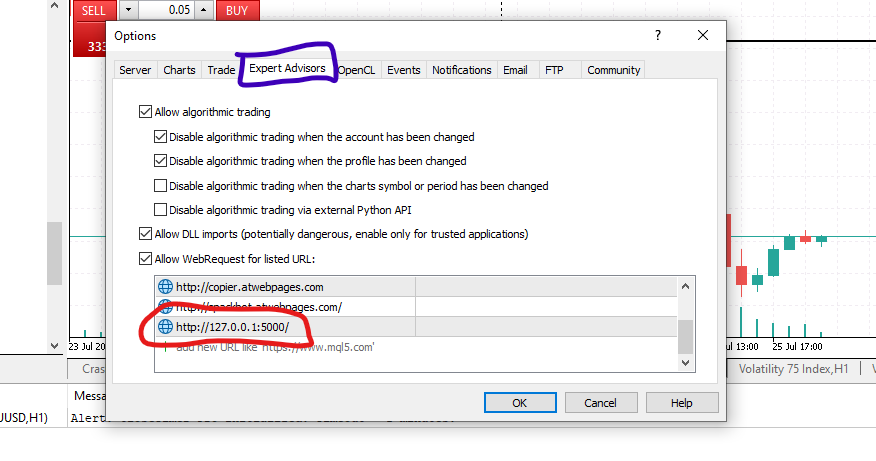
Go to: Tools → Options → Expert Advisors tab
-
Check: ✅ Allow WebRequest for listed URL
-
Add this line to the list:
-
Click OK.
-
-
-
Click File > Navigator
-
Go to: MetaTrader 5 > Experts Advisors
-
Drag the EA (Telegram to mt5 signal copier.ex5)onto any chart (e.g., EURUSD)
-
In the input settings:
-
Lots or Risk mode: Choose how you want trades to be sized (fixed lot, % of balance, etc.)
-
Symbols Filter (optional): Set if you only want specific pairs executed
-
-
Allow DLL imports and algorithmic trading
-
Click OK and make sure AutoTrading is enabled
🚨 Step 4: Test It
Wait for a new signal to drop in the Telegram channel. As soon as it’s detected:
🔁 The process repeats automatically with each new signal.
🛠️ Troubleshooting
-
No trades happening? Ensure:
-
Wrong symbol or lot size? Double-check your EA settings
-
Signal format errors? The copier relies on structured messages (e.g., “BUY EURUSD @ 1.1234 SL 1.1200 TP 1.1300” and many others). Make sure your signal channel follows a predictable format.
🎉 You’re Done!
Congratulations! You’ve just automated your trading workflow using the Telegram to MT5 Signal Copier. Now, every time a signal drops, your MT5 will react instantly — just like a pro trader.
💡 Bonus Tips
If you need help with setup or want a custom version built for your signal format, feel free to reach out in the comments or through the developer’s support channel. You can contact the developer on Telegram @ulonetTechnology
Happy trading! 💹📲💻
#Telegram #MT5 #Forex #TradingBot #AutoTrading #ForexSignals #Python #Telethon #CopyTrading #AlgorithmicTrading #SignalCopier #MetaTrader5
Source link