Steps to make a Demo Account
Steps to make a Demo Account
Global-view.com Giveaway
As Holidays are approaching, we in Global view team have found a way to make the best of you very happy.
We are going to give away every week, for next three months FREE entry to Prop Challenge to those that perform the best in our Evaluation.
It is absolutely free and without any hidden fees !
There are few things that you will have to do, but it is all easy :
-
You have to register on our site ( FREE ) and become life members of GTA – Global Traders Association Click HERE
-
You open a Demo account – FREE – Click HERE
-
Once the Evaluation starts, you have to post every day your trades on our Forum – chart and short reasoning why you took that particular trade ( please post both – winning and losing trades – we want to help everyone to get better in trading)
-
All those that might need our help will get that help
-
Those of you that don’t need any help, why not help others…
All of the above is not only important but to be able to participate you must do it .
Steps to make a Demo Account
Register your Account
Click on this link HERE
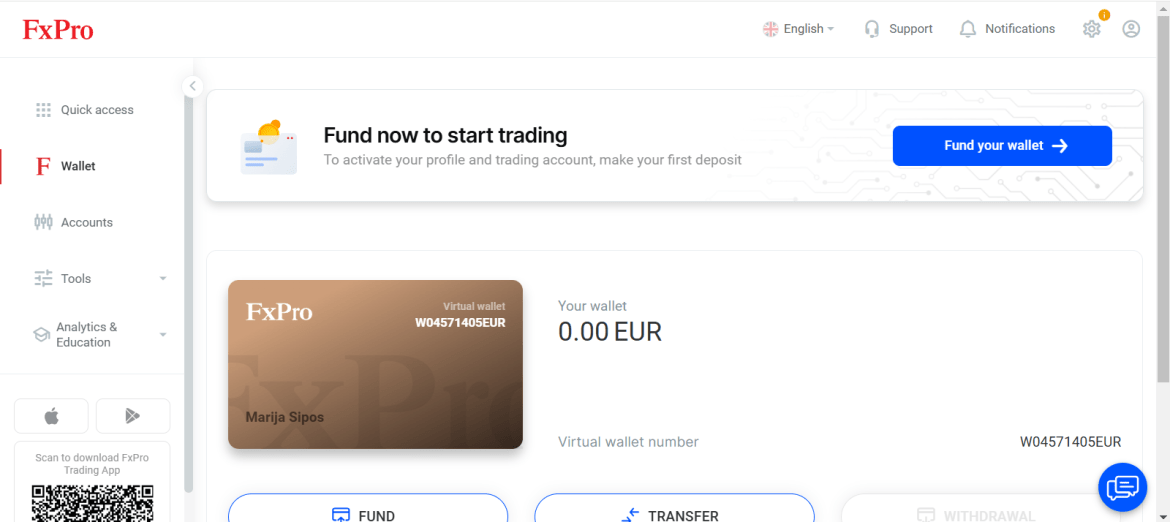
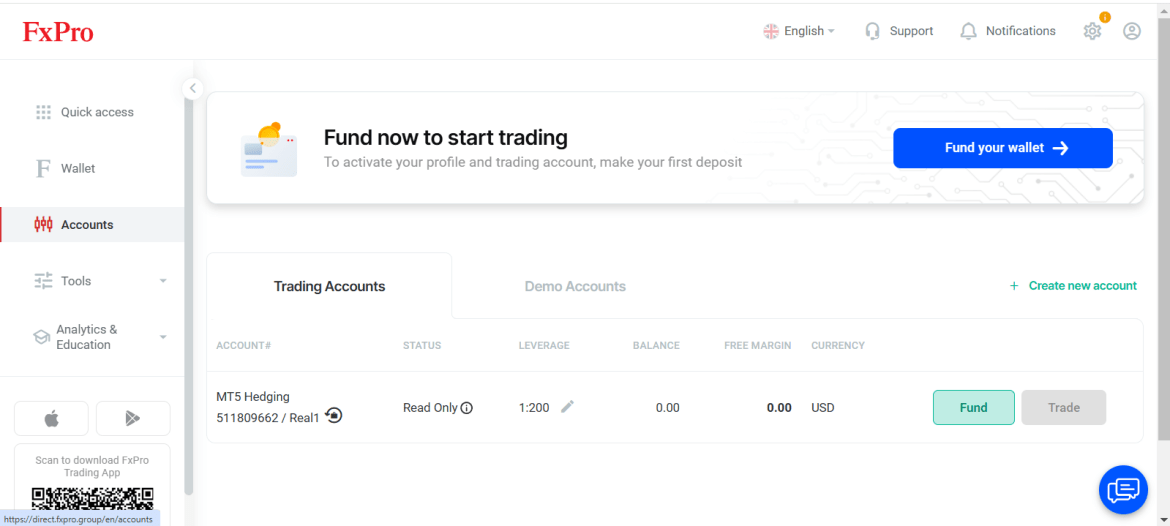
1. Go to your FXPRO Profile
2. Click on Accounts
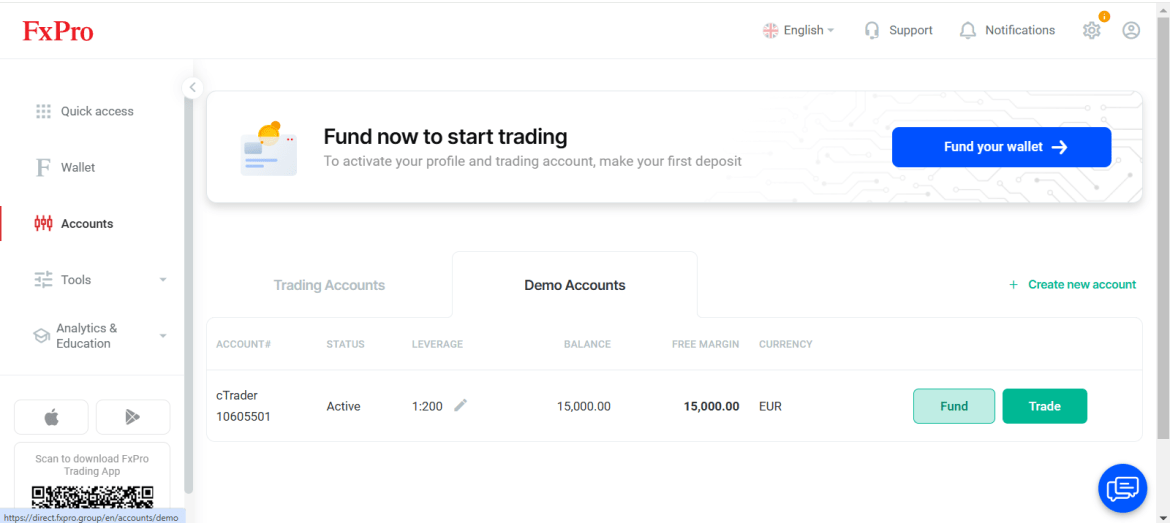
3. Click on Demo Accounts
4. Create New Account
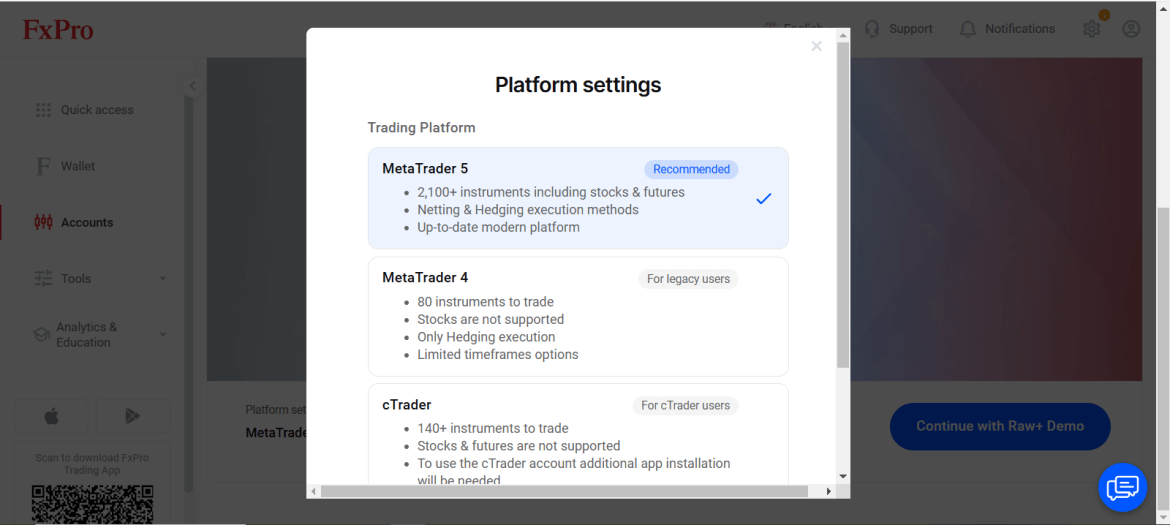
5. Choose a station – Ctrader is preferable
6. Follow the steps
Steps to make a Demo Account
The post Steps to make a Demo Account appeared first on Forex Forum.
Source link